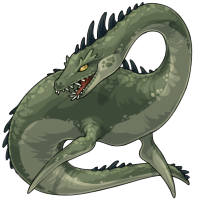
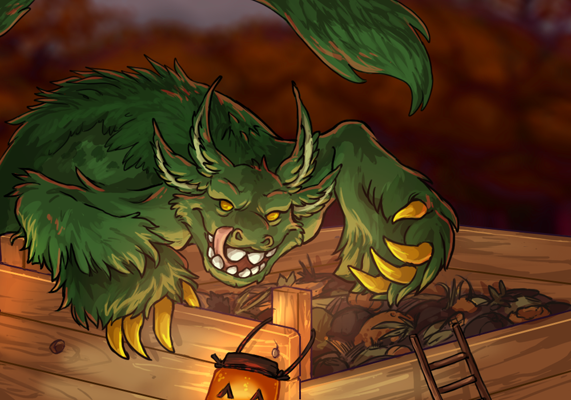
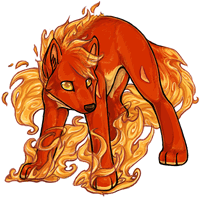
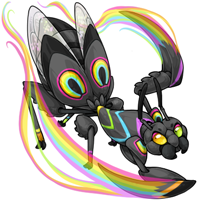
New cosmetics are out, and a few of them are kinds Subeta has never had before (or had a very long time ago, in the case of SB frames).
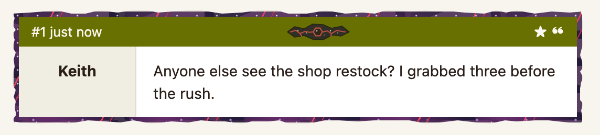
Post frames go around every forum post and news comment you write, and
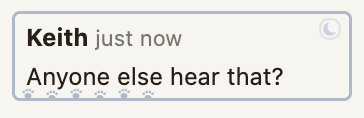
shoutbox frames go around your messages in the shoutbox. Pick them on the
Frames tab of your Cosmetics page.
 Pet effects
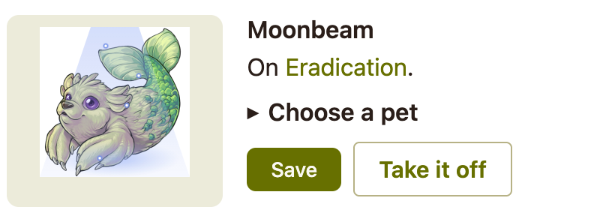
are little particles drawn over one pet's picture: sparks, fireflies, streamers, moonlight. You pick the effect and the pet on the
Pet Effects tab, and everyone sees it wherever that pet's picture shows up. Right now that's your pets list, your public pets page, the pet's own page, pet friends lists, and the Pet Spotlight on the front page and on its own page. If you find a place where a pet's picture should have its effect and doesn't, leave a comment here and I'll try to add it.
Profiles V3 also gets
trims for your profile cards and
backdrops that sit behind your whole profile. You pick those under Style, then Extras, when you edit your profile.
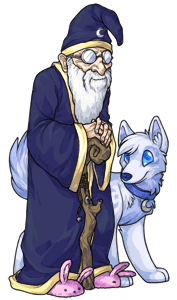
Where to find them- The Old Wizard: a Bang! result on one of his quests gives you one you don't have.
- The Rift: each toss has a chance, and a pet that comes back from the Rift brings Rift Motes with it.
- The Omen Islands: Carl's quests, fishing, Matlal's Jewels, and face painting (fixed!).
- The Carnival: the Ruffie Raffle, Ring Toss and Bluff.
- Slots: the jackpot and three-of-a-kind wins.
- The Delphi Museum of Modern Art: look at every painting to earn the Gilded Frame.
- Places the Major sends you: scratchcards, the Crypts, the Ikumoradeekanox tree, the Mystery Box, Oatmeal and Net Gain.
- Major Drills: finish 100 quests for Parade Glints and 500 for the Obstacle Course divider. Drills you've already done count.
Most of these only turn up some of the time, so don't worry if your first toss into the Rift comes up empty. Every locked piece on your Cosmetics page says where it comes from and whether it's a chance. Profiles V3 pieces need
Profiles V3 turned on.
If you'd rather not see other players' cosmetics, you can turn off each kind (name plates, avatar borders, hover card backgrounds, post frames, shoutbox frames and pet effects), or all of them at once, under Display on your
Preferences page.